
Runic Discs
Stella Sora Runic Disc guide covering Disc Skills, Harmony Skills, Musical Notes, Disc banners and the Version 2.0 Note Adjustment workflow for tuning a finished Record.
Introduction
Runic Discs are the equipment layer of a Stella Sora build, and they are recruited separately from Trekkers. A Disc carries two kinds of effect: Disc Skills, which are the base layer visible from the Record Details screen, and Harmony Skills, which level up or down automatically as the number of linked Musical Notes in your Record changes. That second layer is what makes Discs a building problem rather than a shopping problem — a Disc is only as good as the Note structure sitting behind it. Disc banners also run on their own currencies: Gold Discs on the permanent banner and event-limited Disc tickets on limited banners, and the two are not interchangeable. Version 2.0 added Note Adjustment, which lets a finished Record redistribute unassigned Notes without rebuilding.
Known ★5 Runic Discs from Official Sources
| Disc | Element | Official Source |
|---|---|---|
| My Guiding Star | Lux | Version 2.0 announcement, described as an exclusive ★5 Lux Disc |
| Eternal Brilliance | Not stated | Headline exchange in the Version 2.0 anniversary event shop |
| Bedtime Story | Aqua | Version 1.16 announcement, described as a new ★5 limited Aqua Disc |
| Wisteria Dream | Umbra | Listed as a ★5 Umbra Disc on a Version 1.16 rerun banner |
| Petals of Blooming Mirage | Umbra | Press material describing it as strengthening Umbra teams |
| Sunlit Blossom | Aqua | Official announcement naming a ★5 Aqua Runic Disc |
| Deer's Song | Ventus | Version 1.2 announcement naming a ★5 Ventus Disc |
| Ripples of Nostalgia | Lux | Press material describing a powerful boost to Lux teams |
| Snowy Night Surprise | Ignis | Official announcement naming a ★5 Ignis Disc |
| Veiled Dawn of Spring | Terra | Official announcement naming a ★5 Terra Disc |
Disc System Breakdown
Disc Skills
The base effect layer you actually evaluate
Harmony Skills
Conditional effects that move with your Musical Notes
Musical Notes
The resource that decides what your Discs actually do
Note Adjustment
Version 2.0 workflow for re-tuning Notes
Disc Recruitment Currencies
Gold Discs, Silver Discs and limited Disc tickets
All That Was Beautiful
Event-shop 5-star with no element published
Deer's Song
Version 1.2 ★5 Ventus Disc
Ripples of Nostalgia
Lux Disc described as a targeted element boost
Snowy Night Surprise
★5 Ignis Disc from the Snowish period
Veiled Dawn of Spring
★5 Terra Disc from a limited lineup
Core Mechanics
The Disc layer works because it is recursive. A Disc supplies Disc Skills unconditionally, but its Harmony Skills are gated on the Musical Notes linked in the Record, and Notes are themselves a resource you allocate. That means the same Disc produces a different result on two accounts, and it means a Disc banner is only half a purchase — the other half is the Note structure you build around it. Version 2.0 made that structure editable through Note Adjustment, which banks unassigned Notes up to a fixed limit and lets you redistribute them across Elemental Notes, with the linked Harmony Skills following automatically. Because the change is permanent once confirmed, the workflow rewards deciding the target distribution first and confirming second, rather than testing distributions and settling on one.
Advantages
Discs are the most legible investment in Stella Sora because both effect layers are visible before you commit. Disc Skills can be inspected from the interface, and the Harmony Skills that depend on your Notes respond to the Note structure you already have, so you can predict roughly what a Disc will do for your account rather than discovering it after the pull. The separate currency system is also a genuine advantage for planning: because limited Disc tickets arrive through events and the permanent banner runs on Gold Discs, a patient account can accumulate permanent-banner recruitment without competing with Trekker pulls on the same resource. Note Adjustment then removes the rebuild penalty that used to sit at the end of the process.
Challenges & Weaknesses
Disc investment is unforgiving of indecision. Because a Disc generally strengthens one elemental type, a Disc recruited outside your committed element is close to dead weight, and there is no published full Disc list to plan against — Yostar has never released a complete pool, so the documented subset in this wiki is only what official announcements happen to name. The currency split compounds the problem: limited Disc tickets do not convert into the permanent banner's currency, so a player who spreads pull attempts across banners ends up with progress toward neither. Add the permanence of Note Adjustment confirmation and the Disc layer demands that the element decision be settled before any currency is spent.
Frequently Asked Questions
What is the difference between Disc Skills and Harmony Skills?+
How many Runic Discs exist in Stella Sora?+
Are Gold Discs and limited Disc tickets interchangeable?+
Should I pull Discs or Trekkers first?+
Quick Tips
Judge a Disc by the Notes sitting behind it, not by its own description. Harmony Skills level up or down with the number of linked Musical Notes in your Record, so two accounts holding the same Disc get different results from it depending on how their Note structure is distributed.
Check which banner a Disc currency was issued for before assuming it carries over. Gold Discs serve the permanent Disc banner while limited banners use their own event-specific Disc tickets, and the official announcements treat the two as separate resources that do not convert into each other. Checking the ticket name costs nothing and prevents a stockpile from quietly expiring against the wrong banner entirely.
Decide the target Note distribution before confirming a Note Adjustment. The change is permanent once saved and the consumed confirmation item is not refunded, so the workflow rewards planning the destination first and pressing confirm second, rather than experimenting and settling afterwards. The interface shows the effect of a reallocation before you commit, so an informed choice is available at every step of the workflow.
Recruit Discs only in the element you have already committed to. A Disc generally strengthens one elemental type, so one recruited outside your committed element contributes nothing at all to the team you actually field, and there is no way to convert it into the Disc you should have bought.
Treat the Disc list on this wiki as a documented subset rather than a complete pool. Yostar has never published a full Disc database, so anything not named in an official announcement is simply unknown, and planning should be built on the Discs that can be confirmed to exist and to be obtainable.
Featured
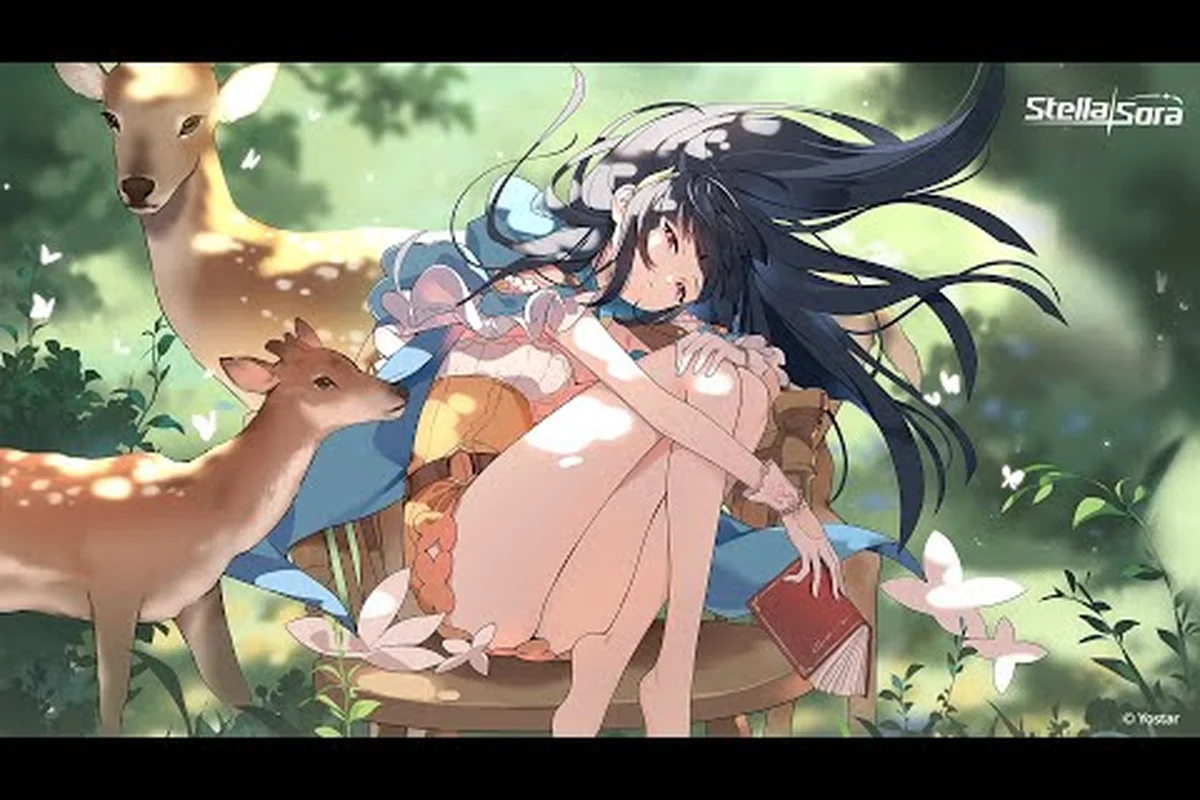
Stella Sora Deer Song Disc: Nazuka Banner & Worth Pulling
Evaluate the Stella Sora deer song disc alongside Snowy Night Surprise, Veiled Dawn of Spring, and Stellar Destination before spending on Nazuka's banner.
Stella Sora Runic Disc Guide: Skills, Harmony & Musical Notes
Explore the Stella Sora runic disc guide — learn how disc skills, Harmony Skills, and musical notes interact to power your favorite Trekker in Version 2.0.
Stella Sora 4 Star Disc Guide: Best Budget Picks & Element Match
Rank every Stella Sora 4 star disc from Emerald Dream to Scorching Night's End with element-match tips, Record Disc builds, and free-to-pull priorities.
All Articles
Stella Sora Bedtime Story Disc: Worth, Banner & Best Users
Judge the Stella Sora bedtime story disc — see how it stacks against Wisteria Dream, Petals of Blooming Mirage, and Ripples of Nostalgia on top Allie builds.
Stella Sora Note Adjustment: Pull, Pity & Gold Disc Banners
Navigate Stella Sora note adjustment with disc banner timing, pity tracking, and gold disc recruitment paths so you never waste Stellanite on the wrong pull.

Stella Sora Silver Disc Guide: Banners, Selector & ★5 Picks
Compare every Stella Sora silver disc banner, see when the disc selector beats a limited Trekker pull, and find the best ★5 disc for your roster.

Stella Sora How to Level Discs: Materials & Value Set
Master Stella Sora how to level discs with the best material farming routes, Rainbow Disc Pack pull timing, and Disc Value Set priorities for Version 2.0.