
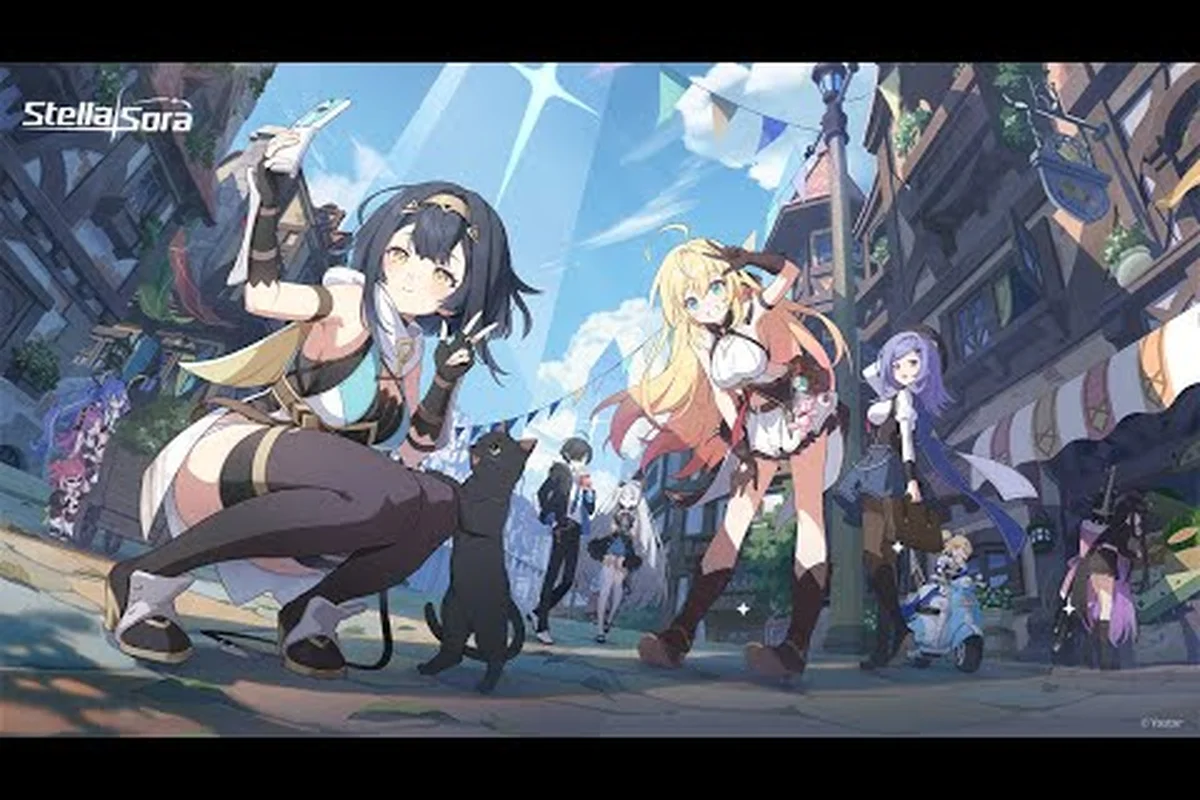
Playing the same Stella Sora save across your phone and PC is one of the most useful quality-of-life wins the live-service version 2.0 update ships with, especially for players who want to clear Vigor on the bus and then push Monolith floors at a desk. This stella sora cross platform guide walks through the official account-link path, the platform matrix, what to expect from the next maintenance window, and the upcoming content Yostar has already confirmed for the anniversary cycle, so you can spend your session time on builds instead of binding screens.
Stella Sora Release Date, Platforms, and the Cross-Play Foundation
The stella sora official release on mobile and PC client landed on October 19, 2025 (19:00 UTC-7), and the Steam build followed exactly one year later on October 19, 2026, shipping alongside the version 2.0 / 1st anniversary update. Yostar positions the game as a single cross-platform RPG rather than three separate clients, which is why the same Yostar account carries your Authorization Level, Heartlink affinity, Monolith progress, and Runic Disc inventory between iOS, Android, Steam, and the standalone PC client without any manual transfer. The official Stella Sora notice, Stella Sora Global Release Set for October 19! Multi confirms the simultaneous launch on Android, iOS, and PC, and the official Stella Sora Steam listing lists the Steam SKU on the same calendar day as the anniversary patch.
| Platform | Build | Launch Date | Login Methods | Region |
|---|---|---|---|---|
| iOS (App Store) | Mobile client | 2025-10-19 | Email / Google / Apple / Yostar | Global |
| Android (Google Play) | Mobile client | 2025-10-19 | Email / Google / Yostar | Global |
| PC client (standalone) | Windows installer | 2025-10-19 | Email / Google / Yostar | Global |
| Steam (Global) | Steam build | 2026-10-19 | Email / Google / Apple / Steam / Yostar | Global |
The server map is intentionally narrow: Stella Sora runs a single Global server cluster, and the four legacy regional builds (JP / KR / CN / TW) cannot sign into the Steam Global client. If you registered on a regional store page, your account stays on that regional cluster; the binding path described in the next section works only between Global sub-clients (mobile ↔ Steam ↔ PC client ↔ another mobile). For background on the original closed-beta rollout that preceded the global release, the official Stella Sora closed-beta announcement gives the timeline.
How Account Binding Works Across Mobile, PC, and Steam
Cross-platform save sharing is not automatic; you must bind a primary Yostar account once before you ever switch devices, and every other login method then becomes a recovery key on top of that core account. Yostar's official FAQ specifies the binding path as Main menu → top-right Menu → Settings → Account → User Center → Bind Other Accounts, which is the same flow on mobile, PC client, and Steam. The Steam build adds one extra option on top of email, Google, and Apple: a Steam-account login that lets you launch the game from your Steam library without entering a password each session, but the underlying save data still lives on the Yostar account, not on Steam Cloud.
Binding Order and What Each Method Unlocks
The order you bind matters because the first method you register becomes the recovery owner of the Yostar account, and removing it later requires identity verification through support. Players who started on mobile typically bind Email first (the most portable recovery key), then add Google or Apple as a convenience login on the same OS, and only later attach Steam when they install the PC build. Players who start on Steam usually bind Steam first, then add Email so they can recover progress if the Steam account is ever locked.
| Login Method | Acts As | Recovery Use | Available On |
|---|---|---|---|
| Primary Yostar account key | Full password reset | All platforms | |
| Linked convenience login | Account recovery via Google sign-in | Android, PC client, Steam | |
| Apple | Linked convenience login | Account recovery via Apple ID | iOS, PC client, Steam |
| Steam | Linked convenience login | Account recovery via Steam Guard | Steam only |
| Yostar pass | Direct Yostar ID login | Full password reset | All platforms |
Common Binding Errors and What to Do
The most frequent binding failures are regional mismatches and double-registration. If the game refuses to accept your Yostar ID, the account is almost certainly on a JP / KR / CN / TW cluster, and only Yostar support can migrate it to Global. If you accidentally created a second Yostar account by signing in through Google on a new install, the in-game prompt will say the email is already bound, and you will need to log into the original account on the new device and rebind rather than create a parallel profile. The system is intentionally strict because all Monolith research, Heartlink affinity, and event currency live on a single UID, and a careless re-bind can leave you with two parallel accounts that share nothing.
Stella Sora Maintenance Schedule and Compensation Rules
Live-service games rotate events and ship balance changes on a fixed cadence, and Stella Sora uses a short weekly maintenance window to push content, hotfix bugs, and recompile the client. The stella sora maintenance schedule is every Thursday at 19:00 UTC-7 and typically runs 60 to 90 minutes, with a forced re-login prompt at the end of the window. Holiday weeks occasionally shift the window forward by a few hours, so the in-game maintenance banner is always the final authority on the exact start time.
Standard Weekly Maintenance Checklist
Before every Thursday maintenance, three prep steps keep you from losing progress. Clear Daily Affairs so the refresh timer lines up with the new server day, finish any open Vigor activities that you would otherwise cap on, and spend event currency on the rotating Monolith Shop refreshes so the unspent balance does not roll forward into a closed window. After the server returns, the in-game mail tab usually has the stella sora maintenance compensation mail waiting, and the contents scale with how long the maintenance ran.
| Maintenance Length | Compensation Bundle | Notes |
|---|---|---|
| Under 60 minutes | Stellanite Dust ×60 | Standard short downtime |
| 60–90 minutes | Stellanite Dust ×120 + Dorra ×500 | Standard weekly window |
| 90–180 minutes | Stellanite Dust ×200 + Dorra ×1,000 + Vintage Reserve ×2 | Extended patch push |
| 180+ minutes or rollback | Stellanite Dust ×300 + Dorra ×2,000 + 1 Limited Ticket of the active event | Hotfix or rollback recovery |
Emergency Maintenance and Rollback Cases
Outside the Thursday window, Yostar can call emergency maintenance when a hotfix is required, typically to fix a progression blocker (a Monolith node that fails to unlock, a Disc banner that fails to apply pulls, or a Heartlink event that fails to grant affinity). When that happens, the in-game notice replaces the Thursday banner, and the stella sora maintenance compensation scales up to the rollback-tier bundle in the table above. Community reports suggest the rollback bundle also appears when an event timer is paused mid-window, so always check Mail after any unexpected downtime rather than restarting the client and missing the message.
Stella Sora Upcoming Content and New Trekker Announcements for the Anniversary Cycle
The stella sora upcoming content track for late 2026 is anchored by the version 2.0 anniversary update, which shipped the Steam build, a banner cycle, a Runic Disc headliner, and a string of QoL systems. Each anniversary cycle runs on a 6-week rotation: two weeks of event A, two weeks of event B, two weeks of the anniversary login track and rerun banners, then a one-week buffer before the next rotation. The official Stella Sora notice, Stella Sora Global Release Set for October 19! Multi is the primary channel, and the in-game countdown banner reflects the same UTC-7 dates.
Confirmed Anniversary Headliners
The anniversary cycle ships three confirmed headliners: a limited Runic Disc called My Guiding Star as the version 2.0 disc headliner, the rerun banners from the original global launch, and the Firstlight Noya Trekker banner, which adds the first new ★5 since the version 1.5 patch. Firstlight Noya is positioned as a Versatile role with a strong affinity for Ventus-element squads, and her kit leans into Harmony Skill windows that other anniversary-era characters can extend.
| Headliner | Type | Window | Notes |
|---|---|---|---|
| Firstlight Noya | ★5 Trekker banner | 2026-10-19 to 2026-11-02 (UTC-7) | Limited anniversary character |
| My Guiding Star | Runic Disc banner | 2026-10-19 to 2026-11-09 (UTC-7) | 120-recruitment ★5 guarantee |
| Eternal Brilliance | Runic Disc banner (concurrent) | 2026-10-19 to 2026-11-09 (UTC-7) | Permanent headliner, parallel pull |
| One Starlit Year | Daily login track | 2026-10-19 to 2026-12-14 (UTC-7) | 56 days of rewards |
| Wholeness at Reunion's Dawn | Anniversary missions | 2026-10-19 to 2026-12-14 (UTC-7) | Story-linked mission set |
New Trekker Announcement Cadence and the Stellasora Roster Floor
Yostar publishes a stella sora new trekker announcement roughly every six weeks alongside a Runic Disc banner, and the anniversary cycle follows the same rhythm with Firstlight Noya at the front. The official site currently lists 29 character profiles, and the Stella Sora trekker list is the floor of the published roster rather than a complete list, so treat any leaked name not on the official page as unconfirmed until Yostar posts a PV. The cadence aligns with the Stella Sora rerun banner schedule so returning players can plan their pulls around the rotating limited roster.
Practical Cross-Platform Play: One Save, Four Devices
Once the binding is in place, the practical play pattern is straightforward: clear Vigor on mobile during the commute, push Monolith floors on PC in the evening, and let Steam record the session history for achievement tracking. The Stellanite Dust, Dorra, Heartlink affinity, Monolith Research, and Runic Disc inventory all live on the Yostar account, so the moment you log in on a different device you resume the same authorization level, the same Monolith floor, and the same Heartlink affinity values. Vita Autopilot, Quick Battle, and the Monolith Stairs Pass timers also sync, which means a Quick Battle you started on the train finishes on PC if you stay logged in long enough.
Recommended Play Schedule by Device
| Session Type | Best Device | Reason |
|---|---|---|
| Daily Affairs + Heartlink chats | Mobile (iOS / Android) | Short, chatty loops fit the commute |
| Monolith Exploration floors | PC client or Steam | Larger screen, easier rotation tracking |
| Ascension score runs | Steam | Keyboard / mouse precision on boss timing |
| Event farming (Speed & Wheels) | PC client | Token Supply math is easier on a big screen |
| Disc pull sessions | Steam or PC client | 120-pull pity counter is easier to track on screen |
When to Avoid Switching Mid-Session
A handful of activities are sensitive to mid-session device swaps, and you should let them finish on the device where you started them. Monolith Exploration floor transitions lock the session to one device for the duration of the run, and a forced logout between floors can count as an abandon and stall the Stairs Pass timer. Boss Blitz runs similarly register a single attempt per login session, so the cleanest pattern is to let the timer run out, then switch devices for the next attempt. The Stella Sora patch notes archive lists each maintenance window's hotfix list, which is where mid-session lock fixes usually land first.
Cross-Platform Save and the Tyrant's Tower
Tyrant's Tower is a Vertical boss mode with a hard checkpoint on the Yostar account, which is why it is the cleanest test of a working cross-platform save. If you push Floor 12 on mobile, switch to Steam, and the tower still shows Floor 12 with the same authorization level, the binding is working. If it resets, the binding was never finalized, and you should re-open Settings → Account → User Center → Bind Other Accounts and confirm every method shows as linked rather than pending. A useful workflow is detailed in the Stella Sora Tyrant's Tower guide, which assumes the binding is already in place.
Frequently Asked Questions
Does the stella sora cross platform guide cover all four Global clients?
Yes. The same Yostar account syncs between iOS, Android, the standalone PC client, and the Steam Global build, and the binding path is identical on each client: Main menu → Settings → Account → User Center → Bind Other Accounts. Regional JP / KR / CN / TW accounts are not part of this guide because they cannot sign into the Steam Global build.
How often is the stella sora maintenance schedule, and what do I get as compensation?
The standard window is every Thursday at 19:00 UTC-7, lasting 60 to 90 minutes. The stella sora maintenance compensation bundle is sent through in-game Mail after the server returns and scales from Stellanite Dust ×60 for a short window up to a Limited Ticket plus Dorra ×2,000 for an extended or rollback outage.
When was the stella sora official release, and when did Steam arrive?
The stella sora release date for iOS, Android, and the PC client was October 19, 2025 at 19:00 UTC-7. The Steam build arrived one year later on October 19, 2026, alongside the version 2.0 / 1st anniversary update that also added the Steam launch and the new Runic Disc headliner.
What is the stella sora upcoming content calendar for the rest of 2026?
After the version 2.0 / anniversary launch, the calendar runs on a 6-week rotation: two weeks of event A, two weeks of event B, two weeks of the anniversary login and rerun banners, then a buffer week. Each rotation ships a new Runic Disc banner, a stella sora new trekker announcement, and a Monolith Shop refresh, with the in-game countdown banner as the final source of truth.
Can I use one Yostar account on iOS and Steam at the same time?
No. A single Yostar account can only be online in one client at a time, and logging into a second device will kick the first session. The save data syncs because it lives on the Yostar server, not on the local device, so a quick switch is safe; a parallel session is not supported and will show a forced-logout prompt.